Worth reading first
Transforming Healthcare Communication with Digital Display Boards
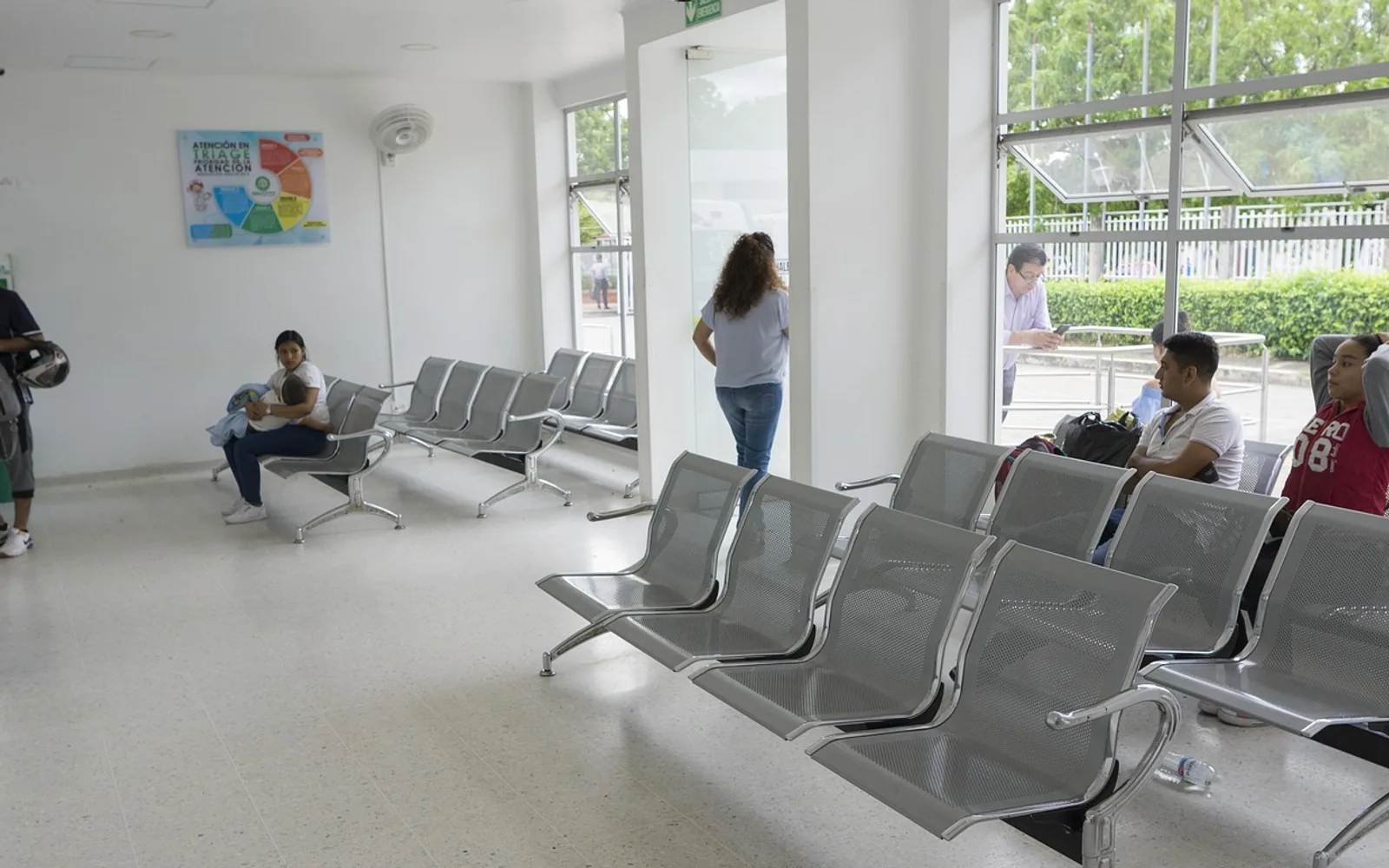
Walk into a busy hospital and the first thing most people need is information: where to go, how long they will wait, what happens next. Paper notices and printed maps struggle to keep up with a building that changes by the hour. Digital screen display boards offer another way to get timely messages in front of patients, visitors and staff. This article looks at the topic from the point of view of the people reading those screens, and at what separates a helpful board from one that is simply decoration.
What a patient wants to know at a glance
For someone sitting in a waiting area, uncertainty is often the most stressful part of the visit. A well-placed screen can answer the questions people would otherwise queue at the desk to ask:
- Is the clinic running on time, or is there a delay?
- Which room or desk should I go to when called?
- Where are the toilets, the café and the pharmacy?
- What should I do if I feel unwell while waiting?
When these answers are visible and kept up to date, front-desk staff spend less time repeating the same information and more time helping people with genuine problems.
Finding the way in a large building
Hospitals often grow in stages, leaving corridors, wings and floors that confuse even regular visitors. Screens near entrances, lifts and junctions can show simple directions, highlight closures or temporary route changes, and point to the nearest exits. Clear arrows and short labels tend to work better than detailed floor plans that need close study. For visitors who are anxious or in a hurry, being able to find a ward without asking several people makes a noticeable difference.
Supporting staff behind the scenes
Not every screen is meant for the public. Boards in staff-only areas can show information such as shift changes, team announcements or alerts that need a quick response. Anything involving patient details must follow the organisation's data protection rules and be placed where the public cannot see it. Used thoughtfully, these internal displays can cut down on phone calls and missed messages during busy periods.
Health information that people actually read
Waiting areas are a natural place for general health messages: reminders about vaccinations, hand hygiene, healthy eating or local support services. The key is to keep content short, accurate and reviewed by appropriate clinical staff. A slide that can be understood in a few seconds is far more likely to be absorbed than a dense paragraph. Content should complement, never replace, the advice a patient receives from their own doctor or nurse.
Design choices that make screens accessible
A screen only helps if people can read it. Some practical principles:
| Principle | Why it matters |
|---|---|
| Large, high-contrast text | Helps people with low vision and those reading from a distance |
| Plain language and common symbols | Supports visitors with limited literacy or who speak other languages |
| Slow, predictable rotation | Gives everyone time to finish reading before the slide changes |
| Audio or desk alternatives for calls | Ensures people with sight loss are not left out |
| Sensible brightness and placement | Avoids glare and keeps screens visible from seats |
When things go wrong
Screens can also carry urgent instructions during an incident, such as an evacuation or a temporary closure. That role only works if the content is planned in advance, tested, and backed up by staff announcements in case of a technical fault. A board that freezes or shows outdated information can cause more confusion than having no screen at all, so regular checks and a named person responsible for updates are essential.
Digital display boards will not fix every communication problem in healthcare, but when they are planned around the needs of real patients and visitors, they can make a stressful visit a little clearer and calmer.